K3s Home Cluster Setup
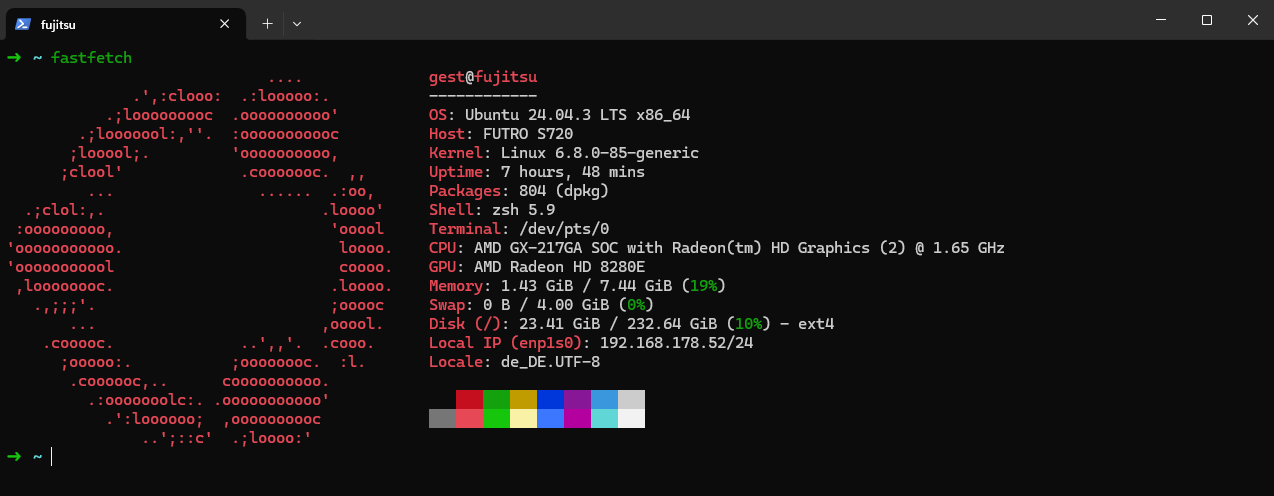
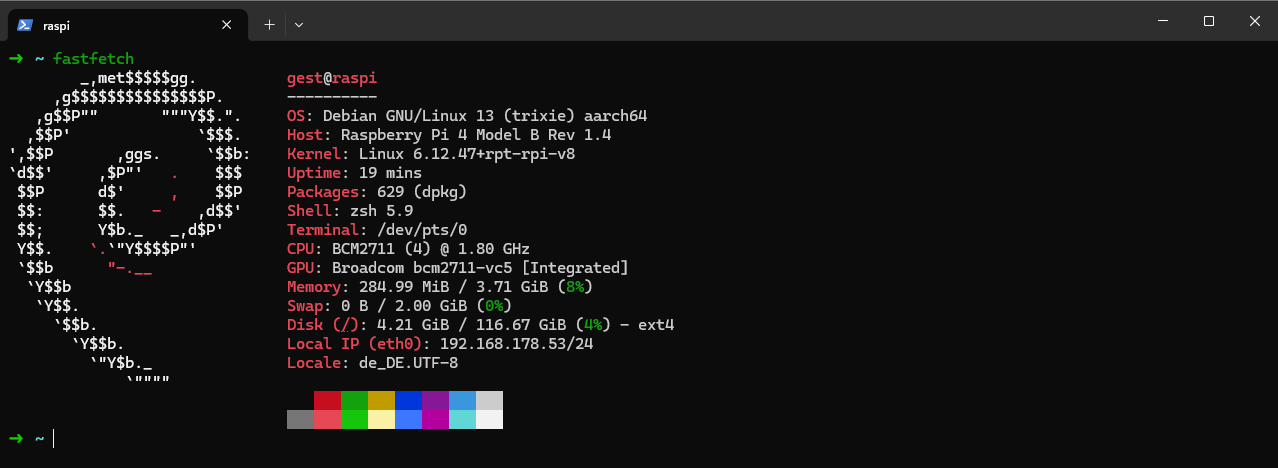
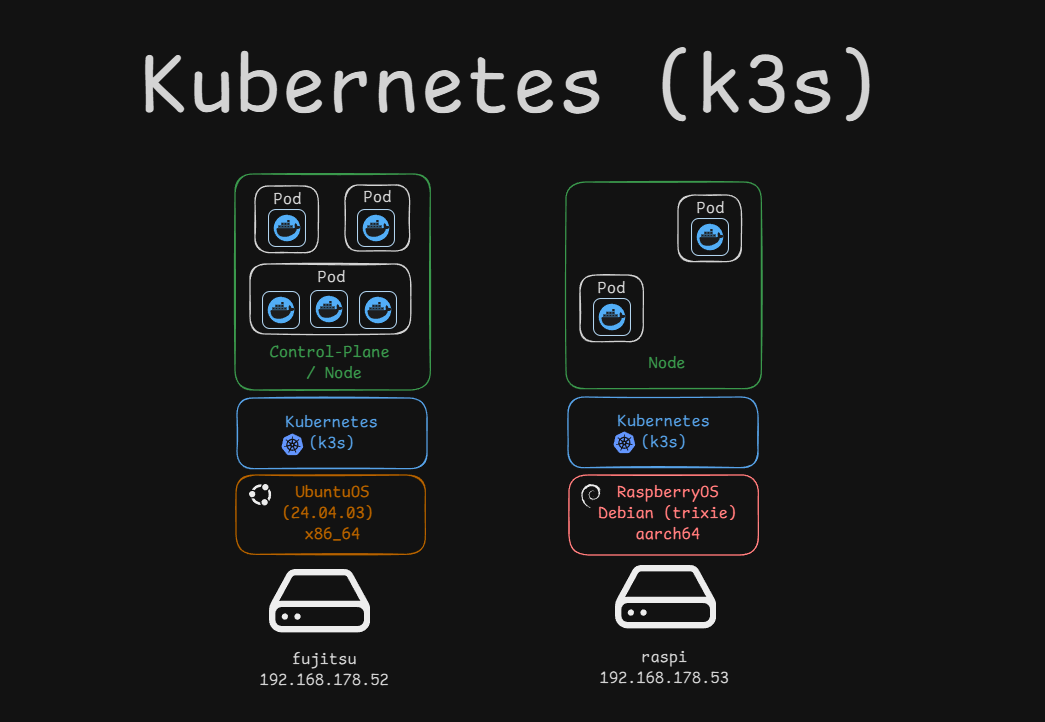
I have two machines in my home network: a Fujitsu and a RaspberryPi4. The fujitsu is to be the master/control plane and the raspi an additional worker node.
Hardware:
fujitsu| OS Ubuntu 24.04.3 LTS x86_64raspi| OS Debian 13 Trixie aarch64
Control-Plane & WorkerNode
WorkerNode
Links
- K3s/Quickstart
- Einrichten der Verbindung per ssh-key
Quickstart
1. Fujitsu
Login with ssh-key & passphrase
ssh fujitsu
Install K3s
curl -sfL https://get.k3s.io | sh -
Output server/node token:
sudo cat /var/lib/rancher/k3s/server/node-token

Save the node-token, to add later the RaspberryPi4 as a WorkerNode.
2. Raspberry Pi 4
Login with ssh-key & passphrase
ssh raspi
Open the file:
sudo vi /boot/firmware/cmdline.txt
Open the file:
sudo vi /boot/firmware/cmdline.txt
Add the following line:
console=serial0,115200 console=tty1 root=PARTUUID=58b06195-02 rootfstype=ext4 elevator=deadline fsck.repair=yes rootwait cgroup_memory=1 cgroup_enable=memory
Install K3s and add it as a WorkerNode
curl -sfL https://get.k3s.io | K3S_URL=http://192.168.178.52:6443 K3S_TOKEN=K10910fa71db0cb054b574bf8a40f52828b4c3286cdc0695d24efbdd25ac113cc72::server:62f43601f5b0d2daf42dd86752e62bd3 sh -
3. Check the Cluster
On the MasterNode/Control-Plane:
sudo kubectl get nodes
NAME      STATUS   ROLES                  AGE   VERSION
fujitsu   Ready    control-plane,master   1d   v1.33.5+k3s1
raspi     Ready    <none>                 1d   v1.33.5+k3s1
Folder structure
~/k3s
├── dashboard
│   ├── admin-user-secret.yaml
│   └── admin-user.yaml
├── demo-page
│   └── demo-page.yaml
└── httpd
    ├── httpd-deployment.yaml
    └── httpd-service.yaml